
Soft skills are great and all, but the right technical skills are a must when looking for a remote graphic designer. How else would they be able to do their jobs?
But if you know next to nothing about graphic design (and isn’t that why you’re hiring one remotely in the first place?), what programs should you look for on your applicants’ CV? Which ones should any remote designer worth their salt be proficient in?
Here are four of the most common ones.
What Are Basic Editing Programs for Graphic Designers?
1. Adobe Photoshop
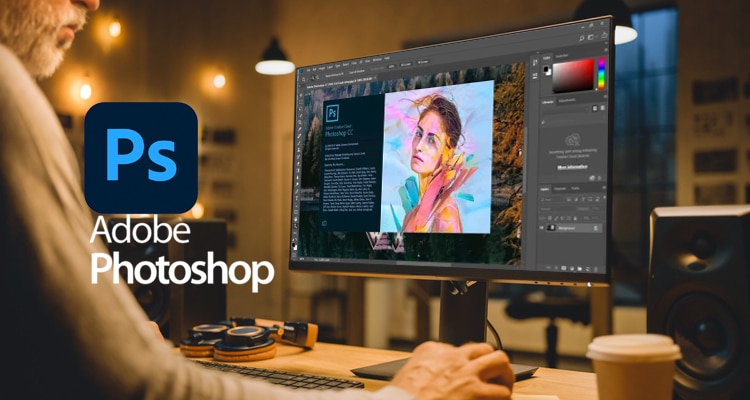
If nothing else, a graphic designer must know how to use this particular program. This software is a good starting point for most graphic design needs. It has a wide range of functions, from basic ones like image cropping, flipping, and rotating to advanced ones that enable combining images or removing unwanted elements.
Blemish removal is yet another Photoshop feature. It’s especially great for profile images, striking ads, and online magazine covers.
2. Adobe Photoshop Lightroom
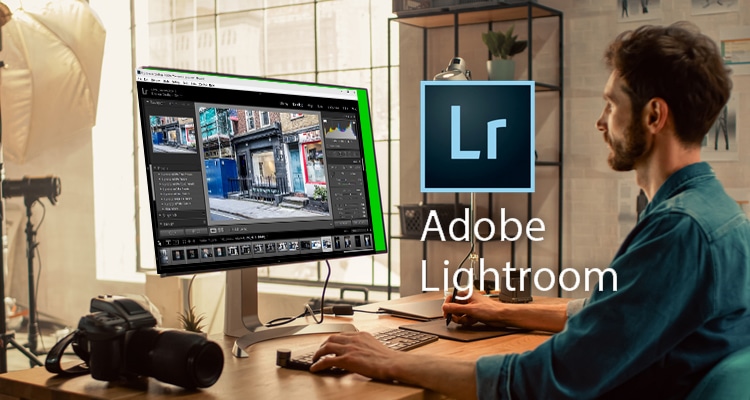
This editing software behaves much like, well, a virtual lightroom. As it was designed for image enhancement and photo library organisation, it allows you to adjust a raw image’s brightness, contrast, and hues.
Lightroom is also great for creating presets, which are like Instagram filters. These enable the user to edit multiple images for a consistent aesthetic and to optimise them for web use.
3. Adobe Illustrator
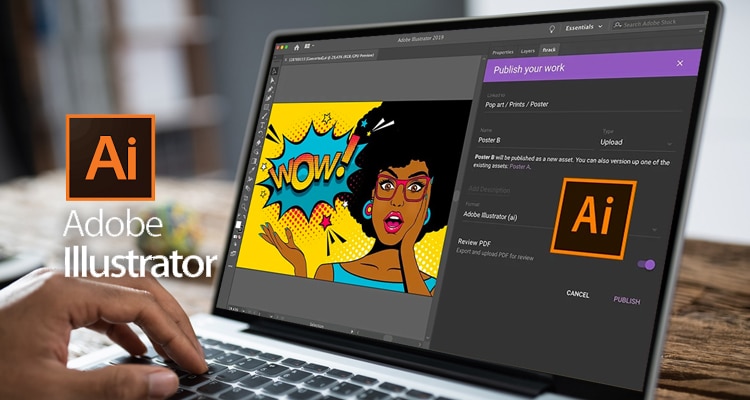
Do you know how you sometimes need to repurpose your company logo? How you might need it to be the size of a postage stamp one day, and then have to blow it up to billboard size the next?
Well, that’s where this program comes in. A graphic designer versed in Illustrator can create logos here so that you can rescale vector images without compromising quality. As you can imagine, this application comes in handy when you’re producing different marketing materials.
Furthermore, a well-designed logo is crucial for your business’ early branding efforts.
4. Adobe InDesign
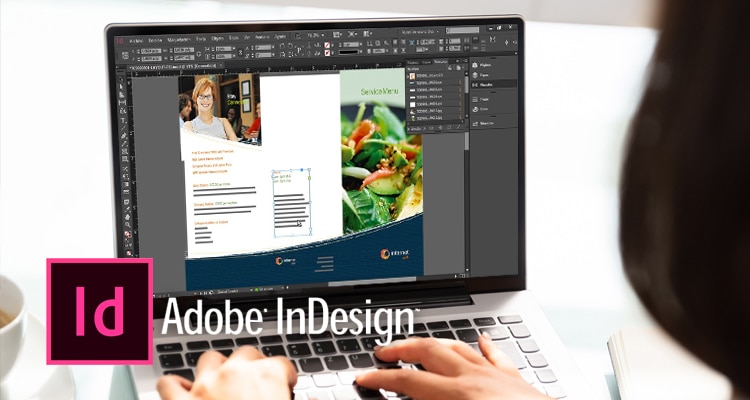
Speaking of marketing materials, InDesign is another magical tool that’s perfect for that purpose. With this program, a skilled graphic designer can create layouts for magazines, books, brochures, email newsletters, and more, all with minimal errors and a quick turnaround time to boot.
On the other hand, the following skills are a plus if you’re trying to shortlist your candidates.
What Are Some Skills of Graphic Designers?
1. Proficiency in Video Editing Software
Video content is all the rage these days. If you really want your message across, a well-made video is the way to go about it.
Thus, basic video editing skills are a plus. If a candidate has programs like Adobe Premiere, Final Cut, or Corel VideoStudio Ultimate on their CV, that’s a good sign.
2. Coding Skills
If you want your graphic designer to build a website for you as well, basic coding skills are crucial. A background in HTML, CSS, and Javascript, for instance, will make the process a lot faster and smoother. These skills will also ensure that they’ll be able to translate their vision into a fully-functional website better
3. UX Design
The best design in the world won’t be good for anything if it doesn’t take into account human behavior, specifically when it comes to interacting with your product, service, or website.
Hiring a graphic designer with UX Design knowledge ensures that they’ll implement designs that will be responsive to your audience.
While there are free tutorials on several online platforms for these programs, you can save more time and money hiring someone who already has such skills.
At Remote Staff, we already pre-screen all the graphic designers within our pool so that their skills are up to date when it comes to the relevant programs. Furthermore, we onboard them for you so that they’re more or less well-adjusted when it comes to working remotely.
So, go ahead. Request a Callback today.

Serena has been working remotely and writing content for the better part of the last decade. To date, she's written for Pepper.ph and Mabuhay Magazine, among others, and has churned out more than a thousand articles on everything from The Basics of Stock Market Investing to How to Make Milk Tea-Flavored Taho at home.